
 Find a branch
 Contact
 Help
Help
How do I reset my Westpac One PIN or password?
You can reset your Westpac One® digital banking PIN or password from the app or online banking log in screen if you forget it, or change it once you've logged in.
In the app.
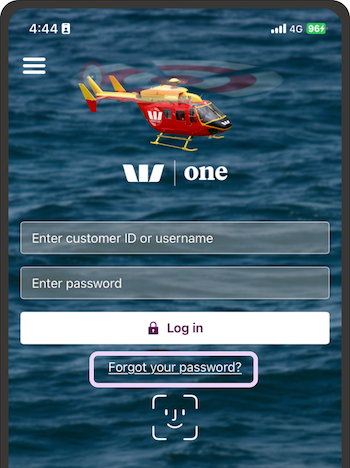
Reset your password if you forget it.
- At the log in screen, go to Forgot your password
- Type in your customer ID or username and your mobile phone number
- We'll text a temporary password to the phone number we have for you.
Use it right away, as temporary passwords expire after 2 hours for security reasons.
If your temporary password has expired, you don't have your customer ID, or you don't get a text, call us on 0800 400 600 or +64 9 912 8000 from overseas (International toll charges apply) - Type in the password from the text
- Choose a new password and follow the onscreen steps.
In online banking.
