 Find a branch
 Contact
 Help
Help
How do I get a quote for insurance?
Follow these steps to get a quote for home, contents, landlord, vehicle, boat or life insurance in Westpac One® digital banking.
In the app:
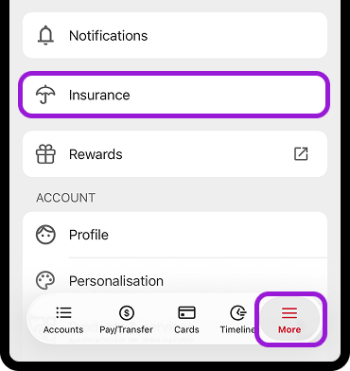
- Go to More in the bottom menu.
Or from the Accounts screen, choose Open/Apply - Choose Insurance
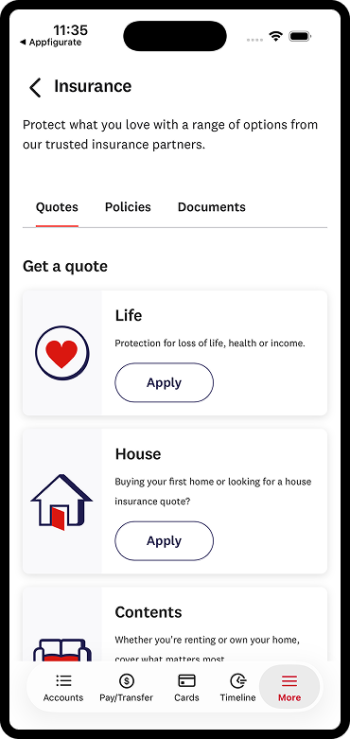
- Then choose Life, House, Contents, Car, Boat or Landlord and follow the steps
In online banking:
- Go to Products & Services from the side menu on a computer.
If you’re on a phone, from Accounts choose Open/Apply - Choose Insurance
- Then choose Life, House, Contents, Car, Boat or Landlord and follow the steps.
Things you should know.
- If you are looking to explore Life Insurance, the LifeProtect Guide provides you with a personalised recommendation and you can apply online.
- If you are wanting to have more than one policy, you can bundle House, Contents, Car, Boat or Landlord insurance to get one premium quote.
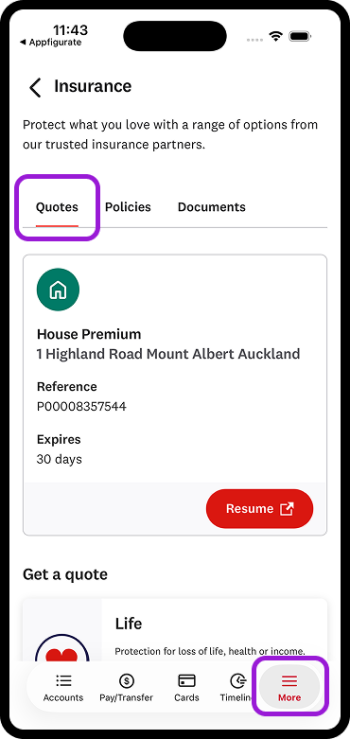
- You can save your application and finish later. We'll store it for you, along with reference number and expiry date under More> Insurance.