
 Find a branch
 Contact
 Help
Help
How do I log in or log out of Westpac One Business?
Log in or log out of your Westpac One Business® digital account.
Log in on the web.
- Go to westpac.co.nz.
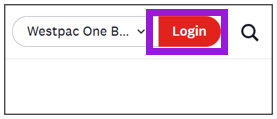
- Using a web browser, select Westpac One Business from the dropdown, then select Login.
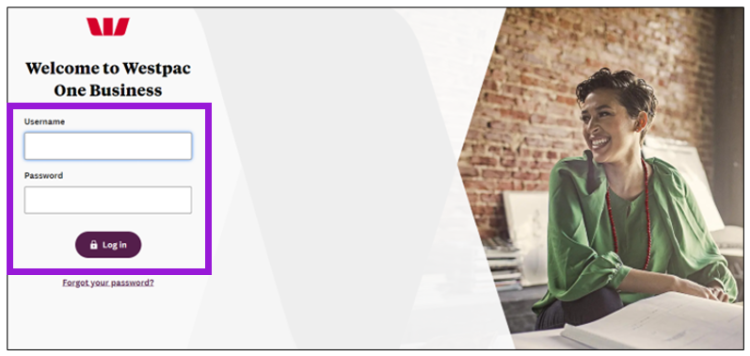
- On the Westpac One Business login page, enter your Username and Password.
- Click Log in.
Log in on a mobile device.
- Using a mobile phone or tablet go to westpac.co.nz.
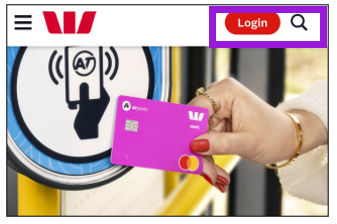
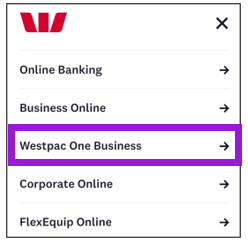
- select Login, then select Westpac One Business.
- On the Westpac One Business login page, enter your Username and Password.
- Select Log in.
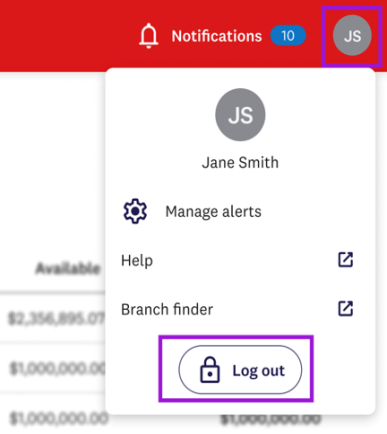
Log out.
Always log out of Westpac One Business if you’re not using it to keep your account safe.
To do this:
- Select your profile icon.
- Select Log out.
- Wait for the confirmation page to make sure you’ve logged out successfully.
Video: Log in and out of Westpac One Business - web.
Video: Log in and out of Westpac One Business - mobile.
