
 Find a branch
 Contact
 Help
Help
How can I change the limit on my credit card?
Apply to increase your limit.
It’s easy to apply for an increase to your credit card limit in Westpac One® digital banking.
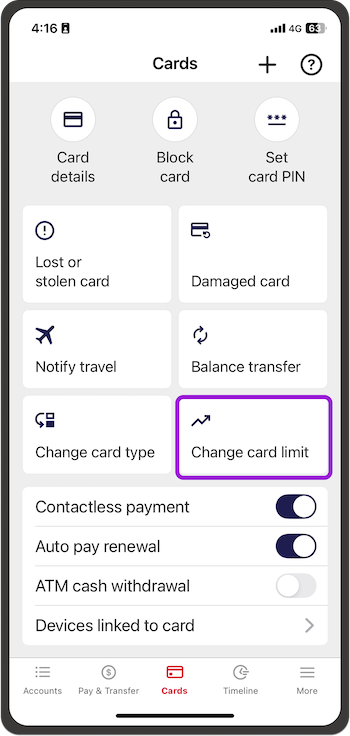
In the app:
- Go to Cards and choose your card
- Select Change card limit and follow the steps.
In online banking:
- If you’re on a computer, go to Manage cards on the menu on the left.
If you’re on a phone, go to Cards in the bottom menu. - Choose the card, then choose Change this card’s limit and follow the steps.
To decrease your limit.
To decrease your limit, or if you don't use Westpac One digital banking, you can us on 0800 177 277 weekdays between 8am and 6pm and on Saturday 9am-3pm.
Lending criteria,& Terms and Conditions and Conditions of Use for the applicable card apply.
If you only make the minimum payment each month, you will pay more interest and it will take you longer to pay off the unpaid balance.
