
 Find a branch
 Contact
 Help
Help
How do I turn ATM cash withdrawals on or off for my credit card?
How to turn cash withdrawals off in Westpac One® digital banking to control whether you can withdraw cash from an ATM with your credit card.
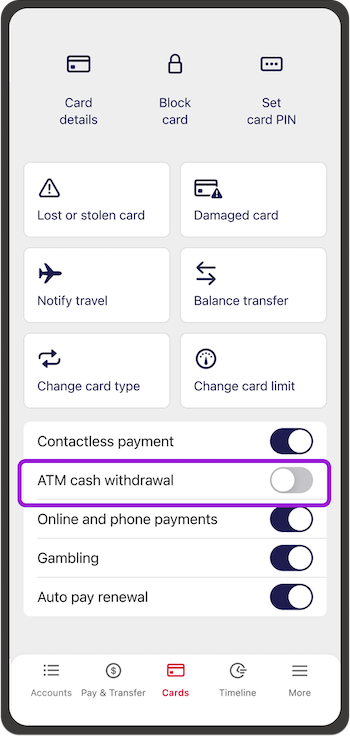
In the app.
- Go to Cards in the bottom menu
- Choose the card you want and turn the ATM Cash Withdrawal switch on or off.
In online banking.
- On a computer go to Manage my cards from the side menu.
If you’re on a browser on your phone choose Cards from the bottom menu - Choose the card you want and turn the Cash Advance switch on or off.
Learn more about cash advances.
