
 Find a branch
 Contact
 Help
Help
How do I add a shortcut to Westpac One Business?
Add a shortcut to Westpac One Business® on your mobile or tablet using Safari or Chrome. Steps may vary in other browsers.
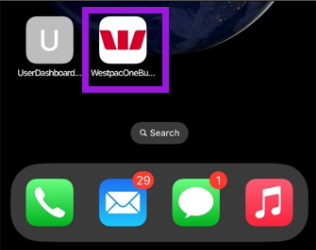
Add a shortcut on your iPhone or iPad.
- Open Safari and go to westpac.co.nz.
- Select Login.
- Select Westpac One Business.
- Tap the Share button (square with an arrow).
- Scroll down and tap Add to Home Screen.
- To remove the shortcut, just delete it like any other app.
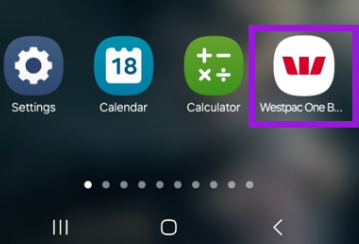
Add a shortcut on your Android phone or tablet.
- Open Chrome and go to westpac.co.nz.
- Select Login.
- Select Westpac One Business.
- Tap the menu icon (3 dots in the upper right corner).
- Tap Add to Home Screen.
- To remove the shortcut, just delete it like any other app.
Video: Add a shortcut on your iPhone or iPad.
Video: Add a shortcut on your Android phone or tablet.
